Joining Your Club
The short version. Open the link your club sent you, tap Make a free account to join, pick a name and a password, and you are taken straight to your club’s table. Next time, open sheepsheadclub.com and tap Join our table at the top.
The pictures are from a phone. A computer looks the same, just wider. They show the WAC Pack as the example; your club’s name appears wherever WAC Pack does.
1. Open your club’s link
Your club’s organizer sends a link that ends in #/club/ and your club’s name. Open it on the phone or computer you will play on. At the top of the page it says you have been invited, and names your club.
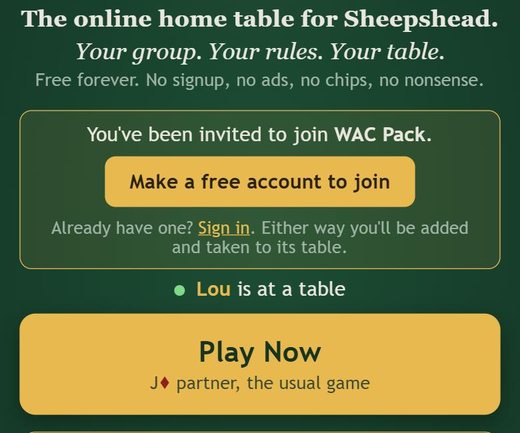
Already have an account? Tap Sign in under the button instead, and skip to step 3.
2. Make a free account
Tap Make a free account to join. Pick a name (it is what the table calls you), a password, and an email. The email is only for resetting a forgotten password; nobody sees it and it is never sold. Then tap Create free account.
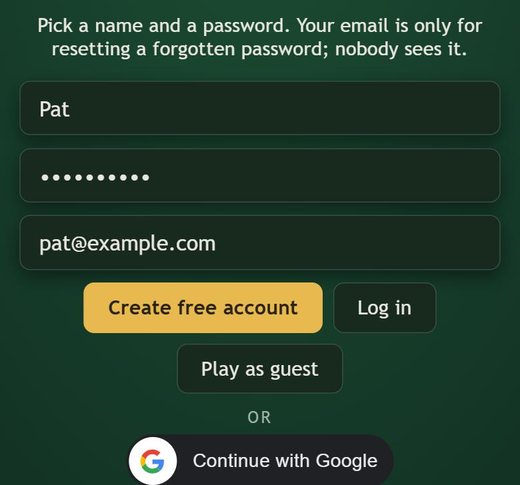
There is no charge, no app to install and no ads. If you tap Play Now first and try a hand as a guest, that is fine: the invite waits until you make your account.
3. You are at the club table
As soon as your account is made you are a member, and you are taken to your club’s table. If a hand is already being played, you watch it, and you take a seat as soon as it ends. Empty seats are played by computer players until people sit down, and a person always takes over from a computer player at the end of a hand.
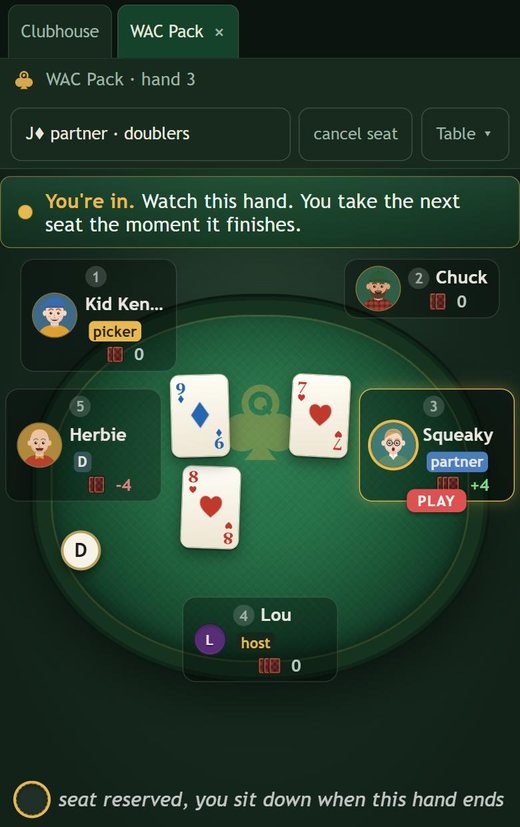
If nobody from your club is playing yet, a fresh club table opens for you and the others join you there.
4. When it is your turn
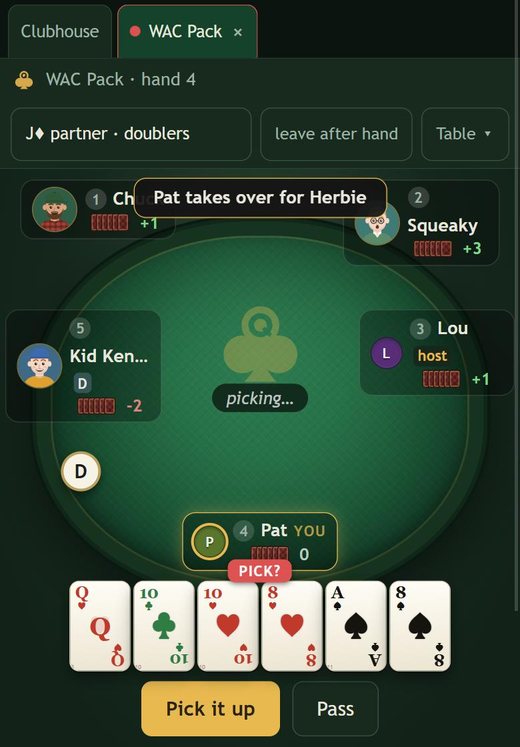
Your cards are along the bottom, and the buttons for what you can do are right under them: Pick it up or Pass when the blind comes to you, then the cards themselves when it is time to play. Tap a card to play it; cards you are not allowed to play are dimmed. A small countdown on your seat shows how long you have.
5. Next time
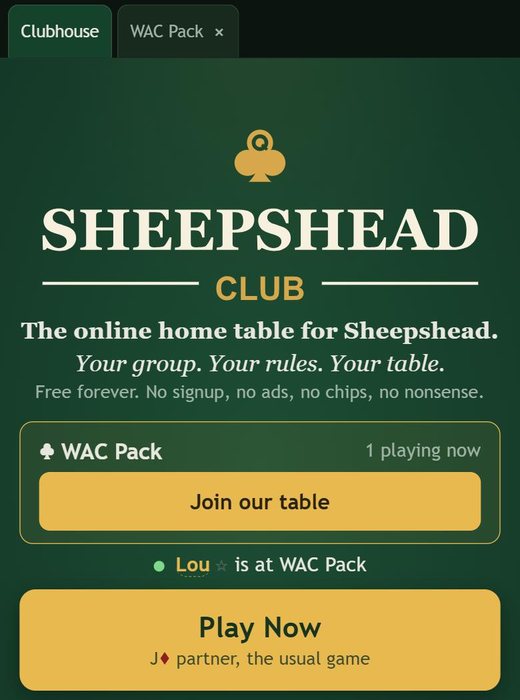
Open sheepsheadclub.com. You stay signed in, and your club is right at the top with how many members are playing now. Tap Join our table (or Open our table if nobody is there yet).
Tips for a phone
Bigger cards: at the table, tap BIG in the corner for one large rank on each card. Tap 4-color to give each suit its own color.
Quieter table: TALK turns the computer players’ spoken lines on and off. The speaker button mutes all sound.
Leaving: leave after hand at the top lets you finish the hand you are in before you go.
Keep it handy: in your phone’s browser menu, choose Add to Home Screen and sheepsheadclub.com opens like an app.
Forgot your password? There is a link under the sign-in form; the reset goes to the email you gave.
Questions
Can people outside my club see our table?
No. A club’s table is shown only to its members, and the club’s standings are its own.
What if two tables are going?
A second club table opens only when every seat at the first is a real person. Hands at either table count on your club’s board.
Who do I ask for help?
Your club’s organizer, or support@sheepsheadclub.com.